The whole world mapped as an orienteering map.
World's largest orienteering map
Discover the world in a new way – as an orienteering map. Use it as a solid base map for training or competition preparation, and draw along to keep it up to date.
- Worldwide
- Free
- Print-ready PDF
- Export to OCAD
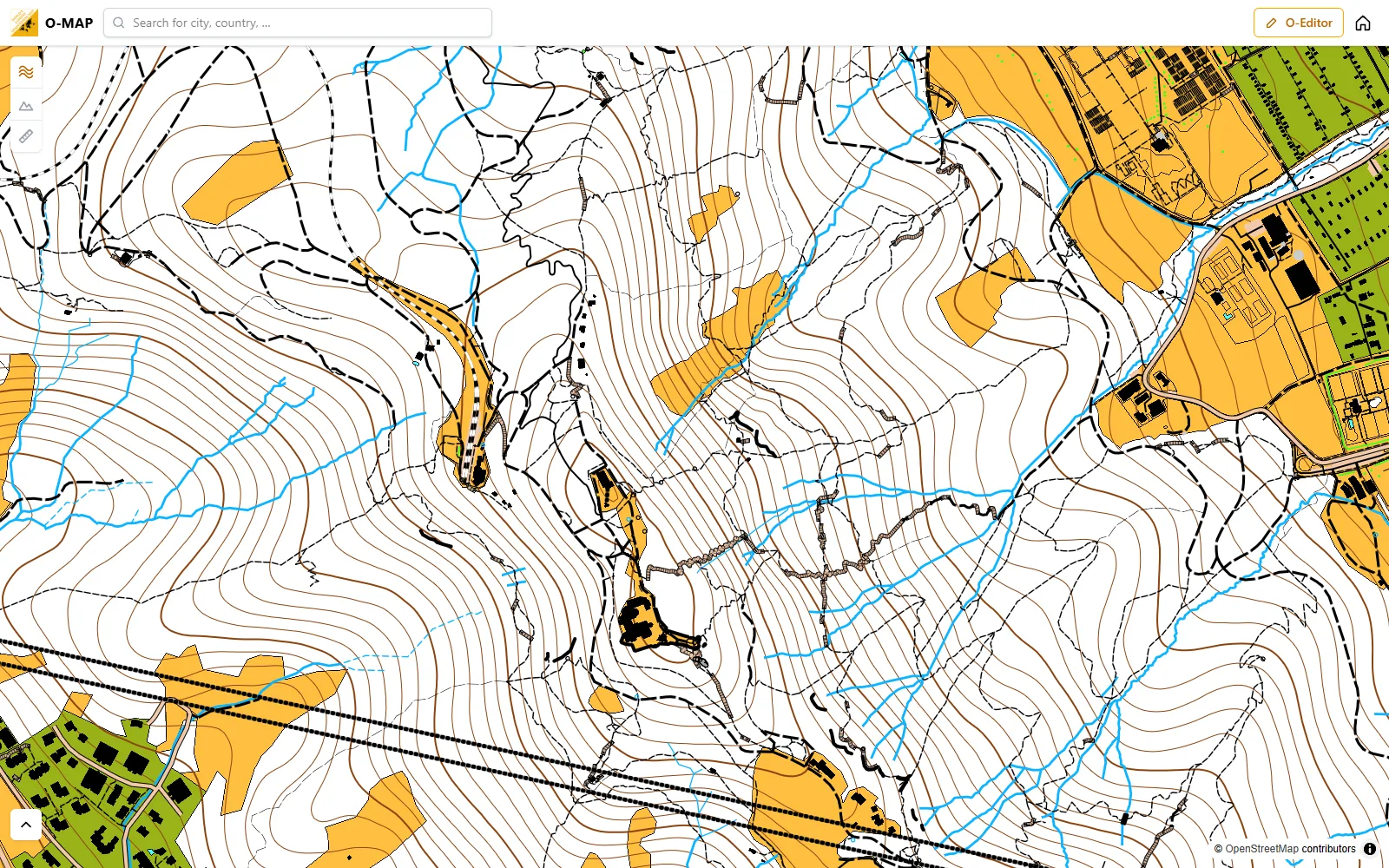
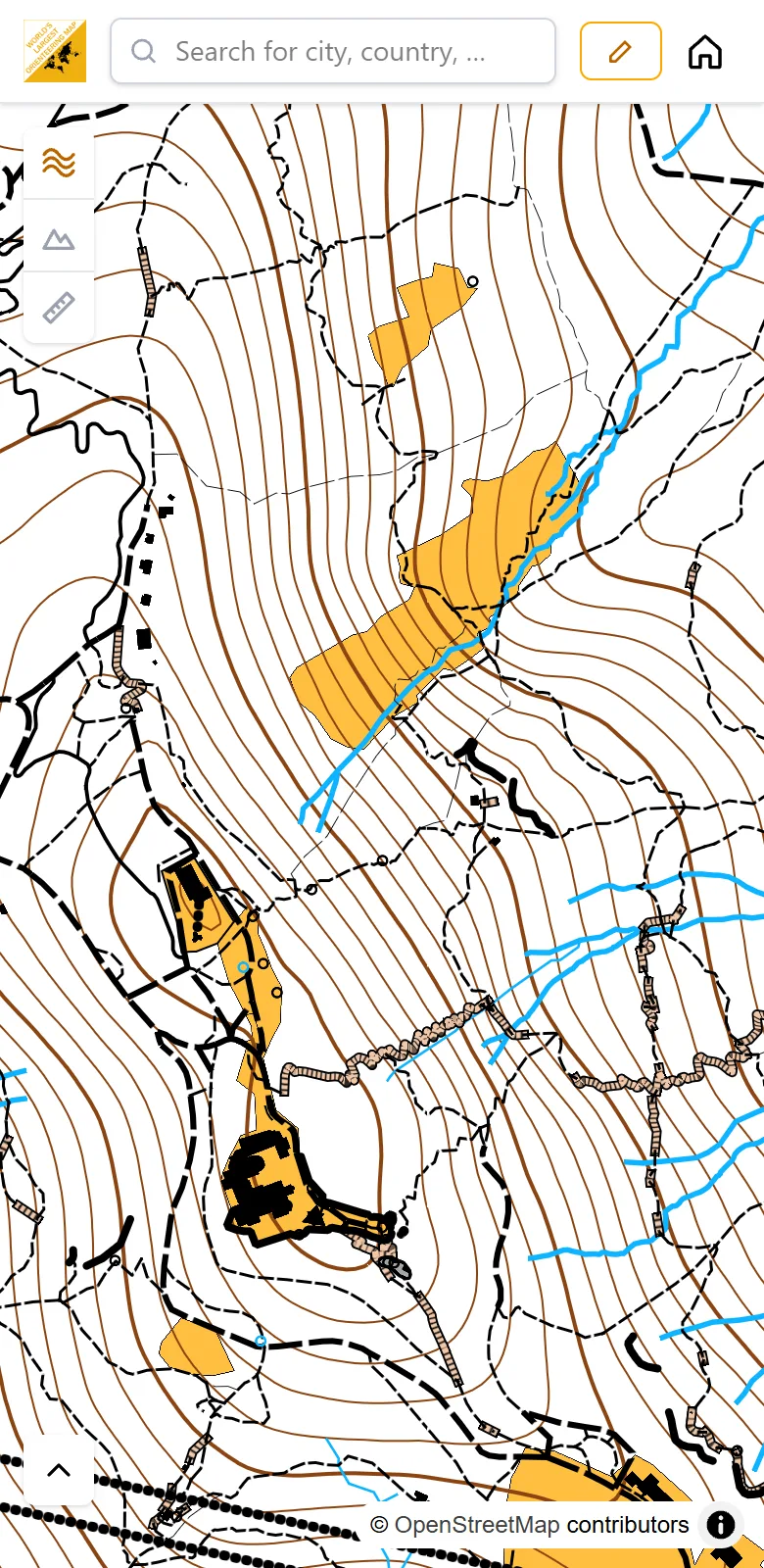
From overview to every path
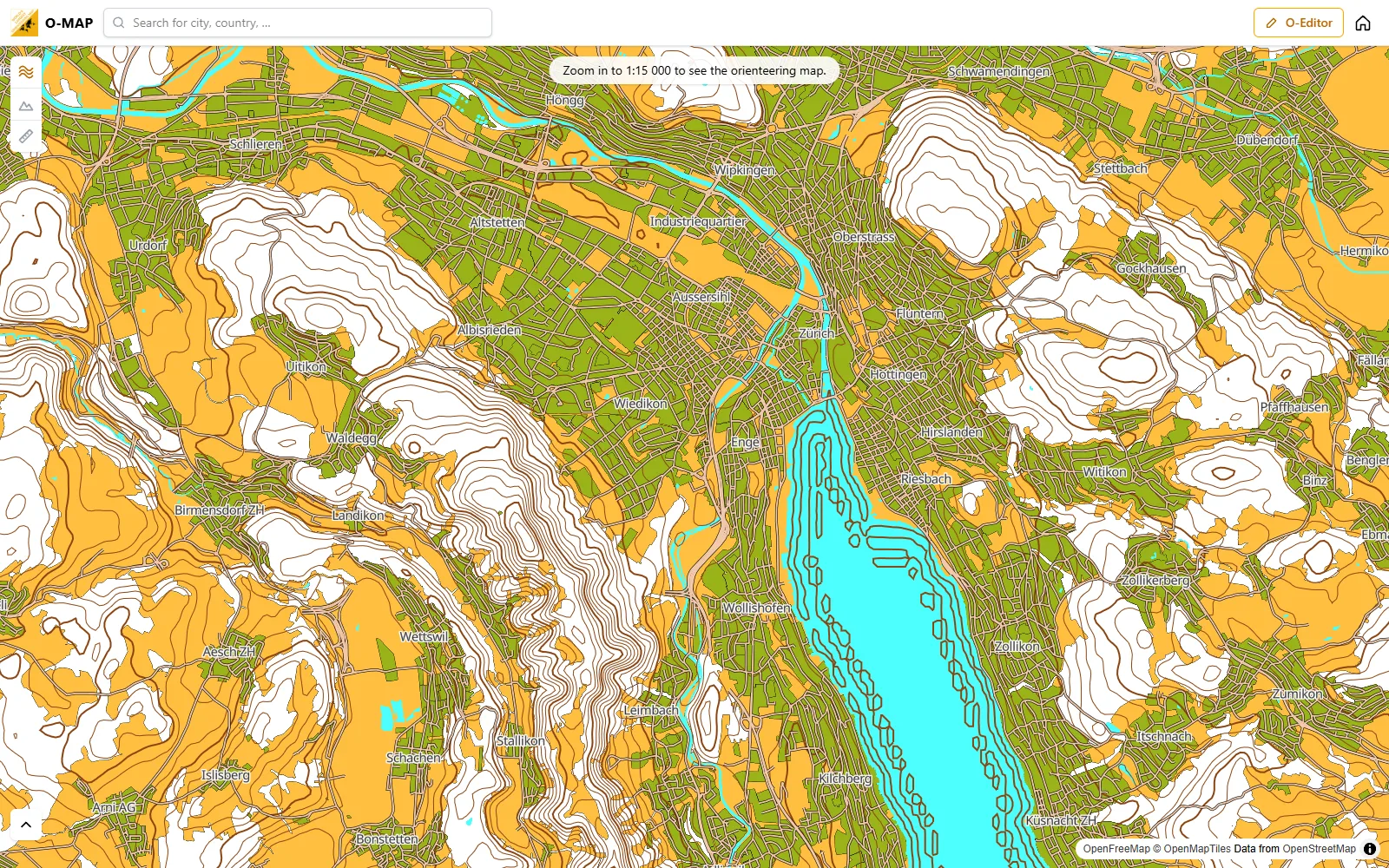
Zoomed out, you see an overview of the whole region. Zoom in to 1:15 000 and the orienteering map appears, with forest, open land, paths, streams and 10 m contours.
Route game
Route choice of the day
A new leg from somewhere in the world every day. 20 seconds to decide, then see what the others chose.
Play now →Heatmap
Watch the O‑Map grow
The global heatmap shows where the community has improved the map with the O‑Editor and where orienteers run. Move through time and see it fill up month by month.
Open the heatmap →3D Mode
Switch on the 3D terrain: hills and valleys from the elevation model, with contours and hillshading. Tilt and turn the map as you like.
Go to Map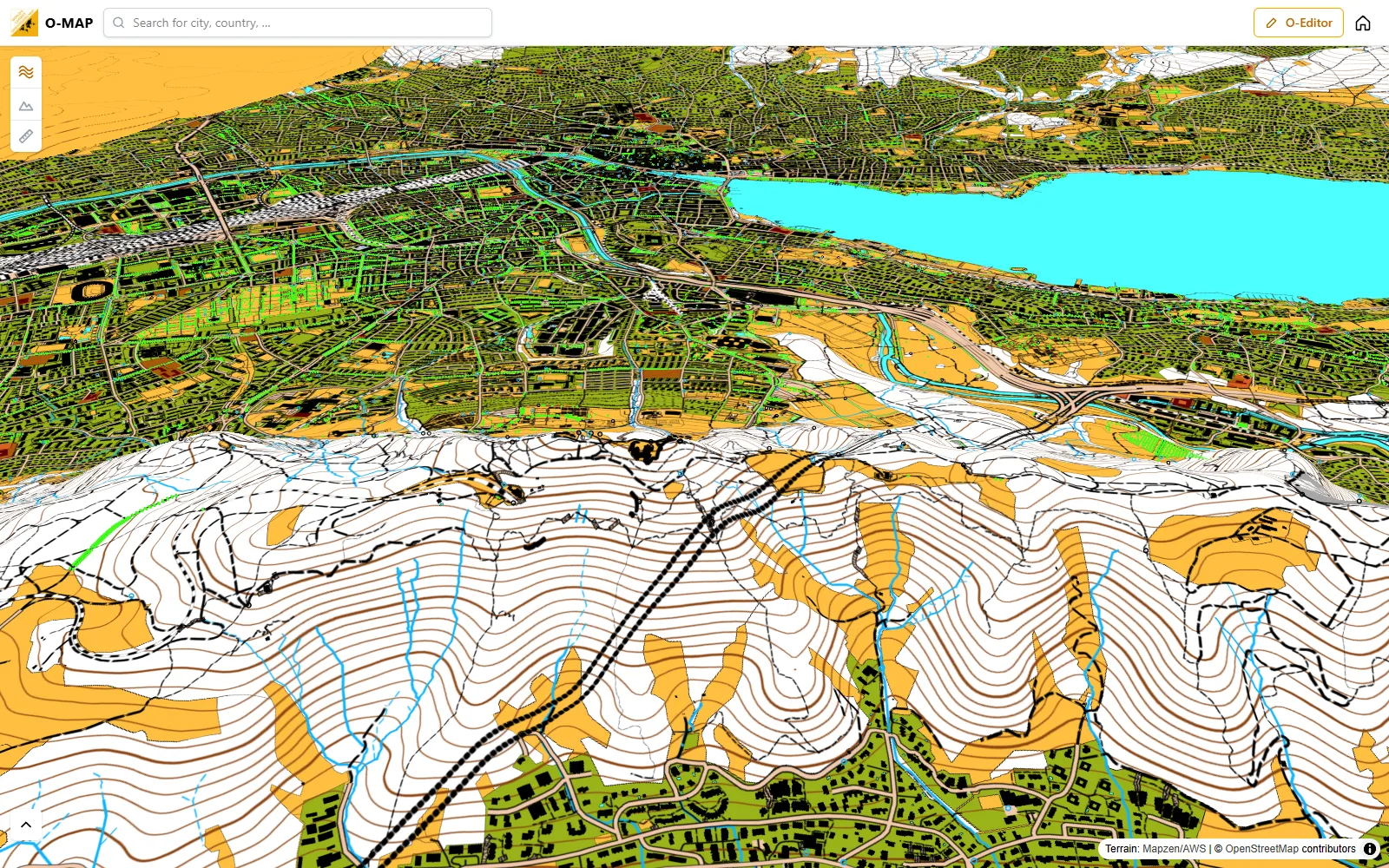
Set courses together: the O-Manager
Plan an event on the o-map or on your own OCAD map: controls, courses with pre-start and taped route to the finish, categories, control descriptions after the IOF 2024 specification, length and climb calculated automatically. Your team works on it at the same time and sees each other live. Print courses as PDF or export IOF XML for timing.
Plan an event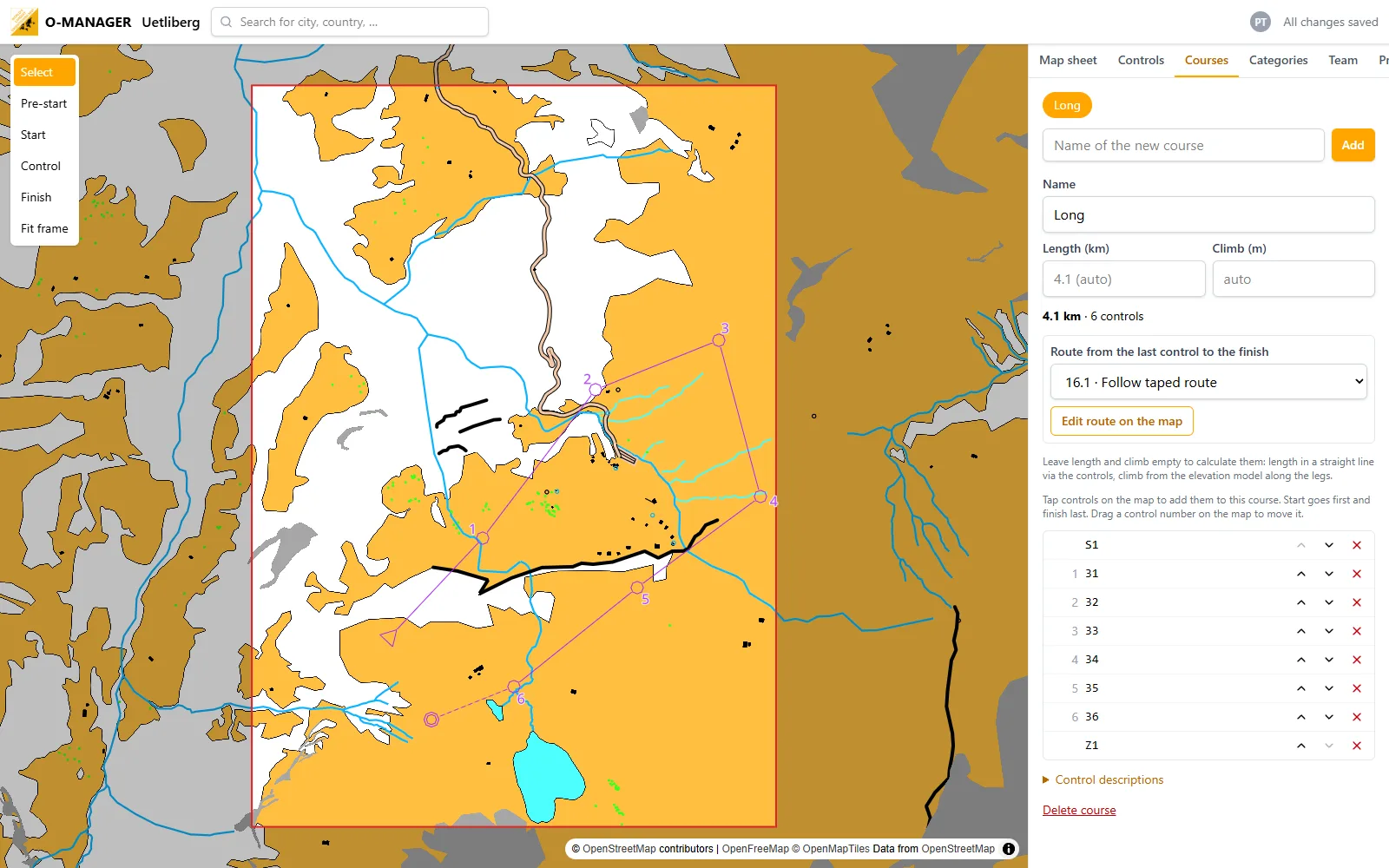
Export as PDF, OCAD and Mapper
Export any map section as a print-ready PDF at true scale. For further mapping you get a georeferenced OCAD file (.ocd), an OpenOrienteering Mapper file or a DXF, with ISOM or sprint symbols and contours.
Export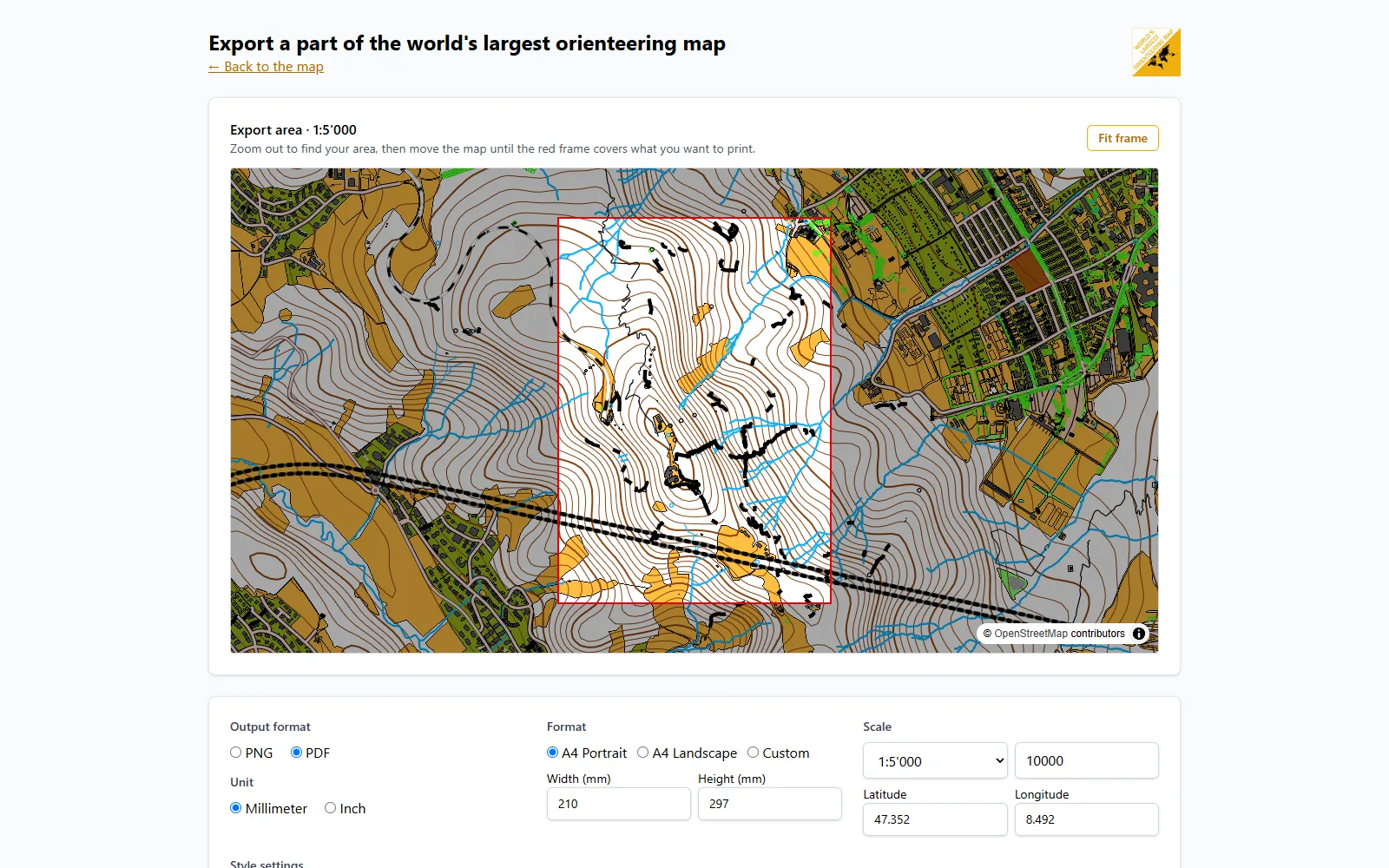
Join the project as a mapper
Create a free account and improve the o-map in the O-Editor. Draw like in OCAD: Bézier curves, right-angled buildings, circles, stairs, coordinates, follow existing lines, cut, merge and cut out holes, with undo, snapping and satellite images as background. Your changes are visible on the map at once.
Register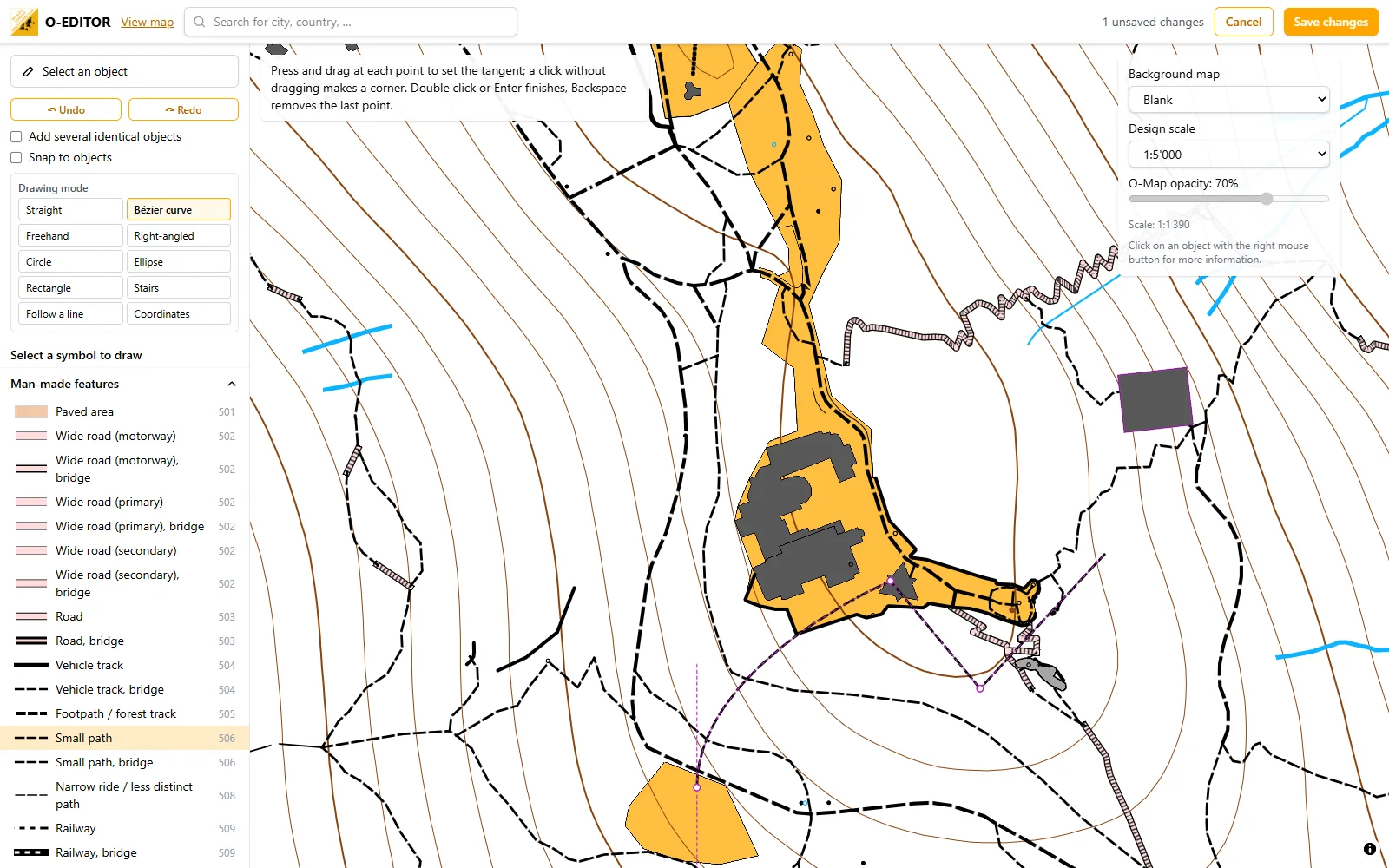
Features
Everything else o-map can do.
Live teamwork
Invite your team: changes are saved by themselves and appear at once, like in Google Docs, with everyone’s mouse pointer.
Control descriptions
IOF symbols after the 2024 specification, laid out like the official sample, as a sheet or on the map.
Your OCAD map as background
Load an .ocd file into the O-Manager and set courses on your own map, georeferenced or placed by hand.
O-Analyser
Upload your GPS tracks, look at them on the orienteering map and compare routes in heatmaps.
Geolocation
Display your location on the map using your GPS.
Measure Distances
You can measure distances across the whole world.
Search places and countries
Search streets, cities and countries by their names.
Export as an image
Export the map as an image for use in other programs. So you can complete the map or make a course on it.
Stay up to date
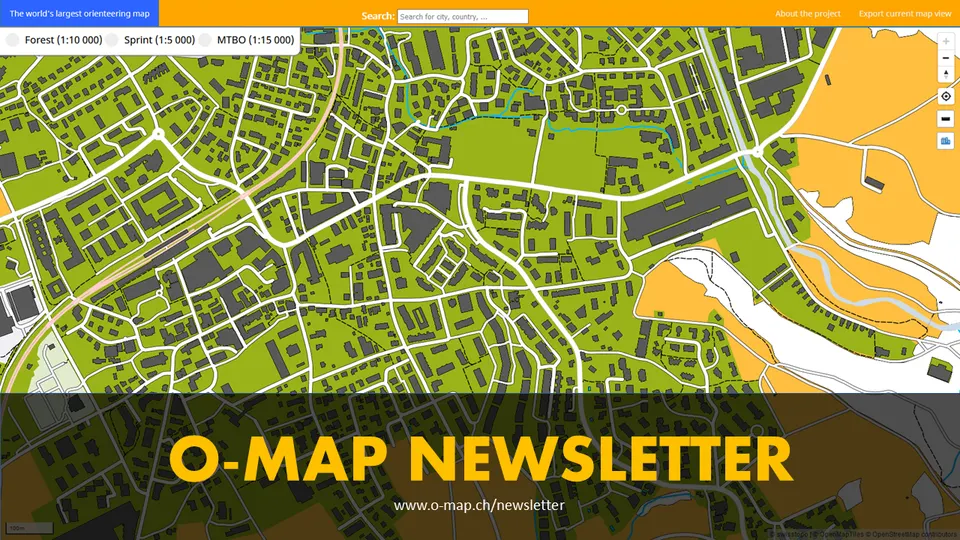
Newsletter
Subscribe to the newsletter and receive regularly information about updates and background knowledge directly to your mailbox.
Subscribe to our Newsletter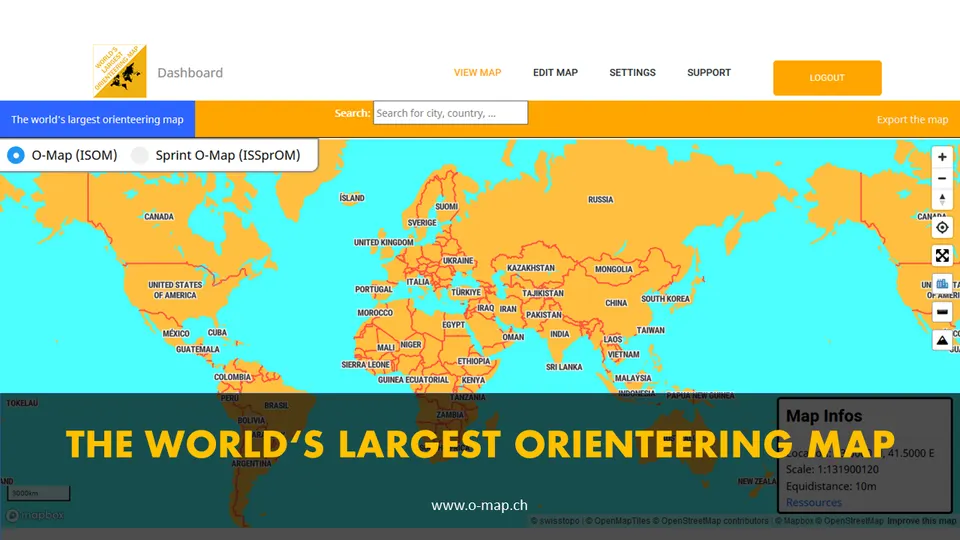
Follow the o-map on Instagram to stay up to date. @o_map.ch
Open Instagram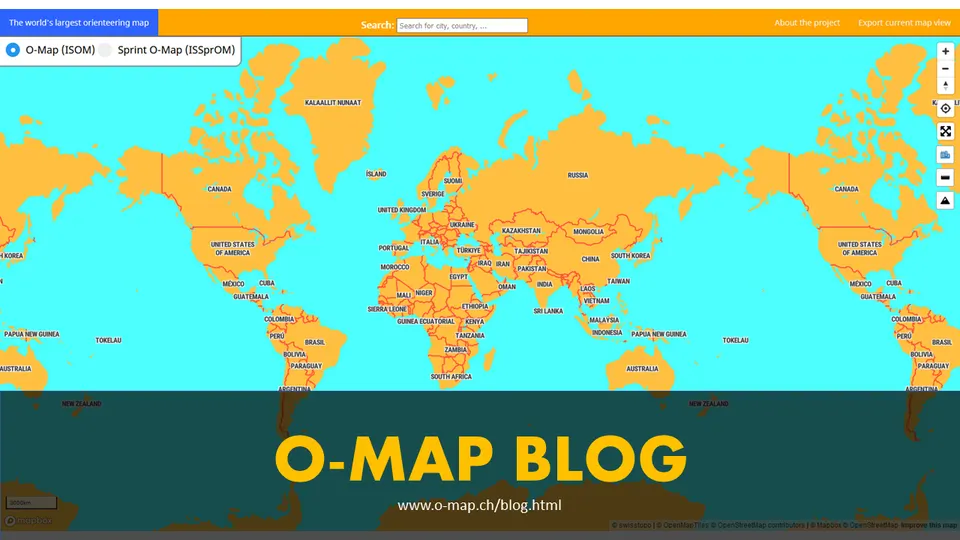
Get news from our blog
Check out our blog and learn more about the o-map. Subscribe to our newsletter to be informed about new articles.
Open Blog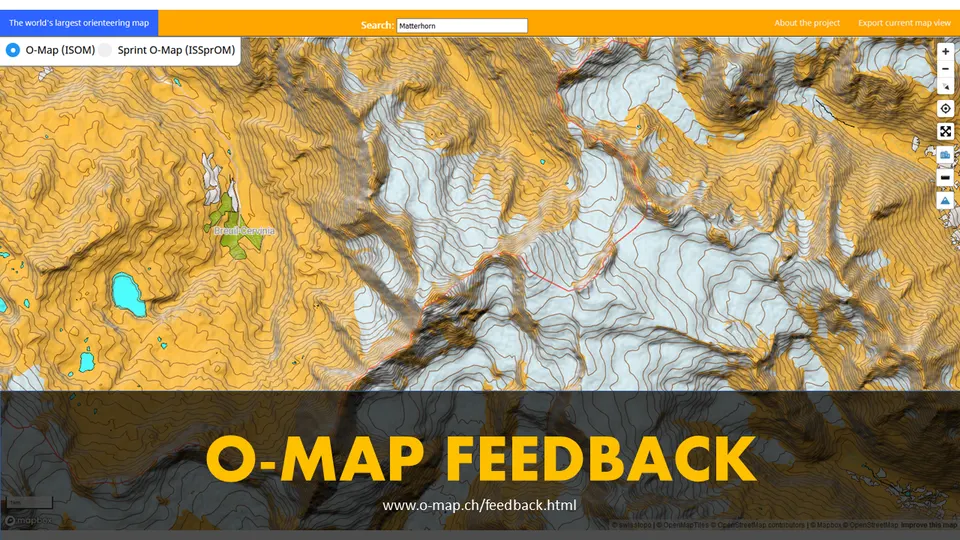
Feedback
Your feedback helps us to improve the map. Fill out the survey or send us a message via the contact form. We are looking forward to hearing from you.
Open SurveyReady for your next training?
Find your area, place the print frame and download your map in a few minutes.
Go to Map